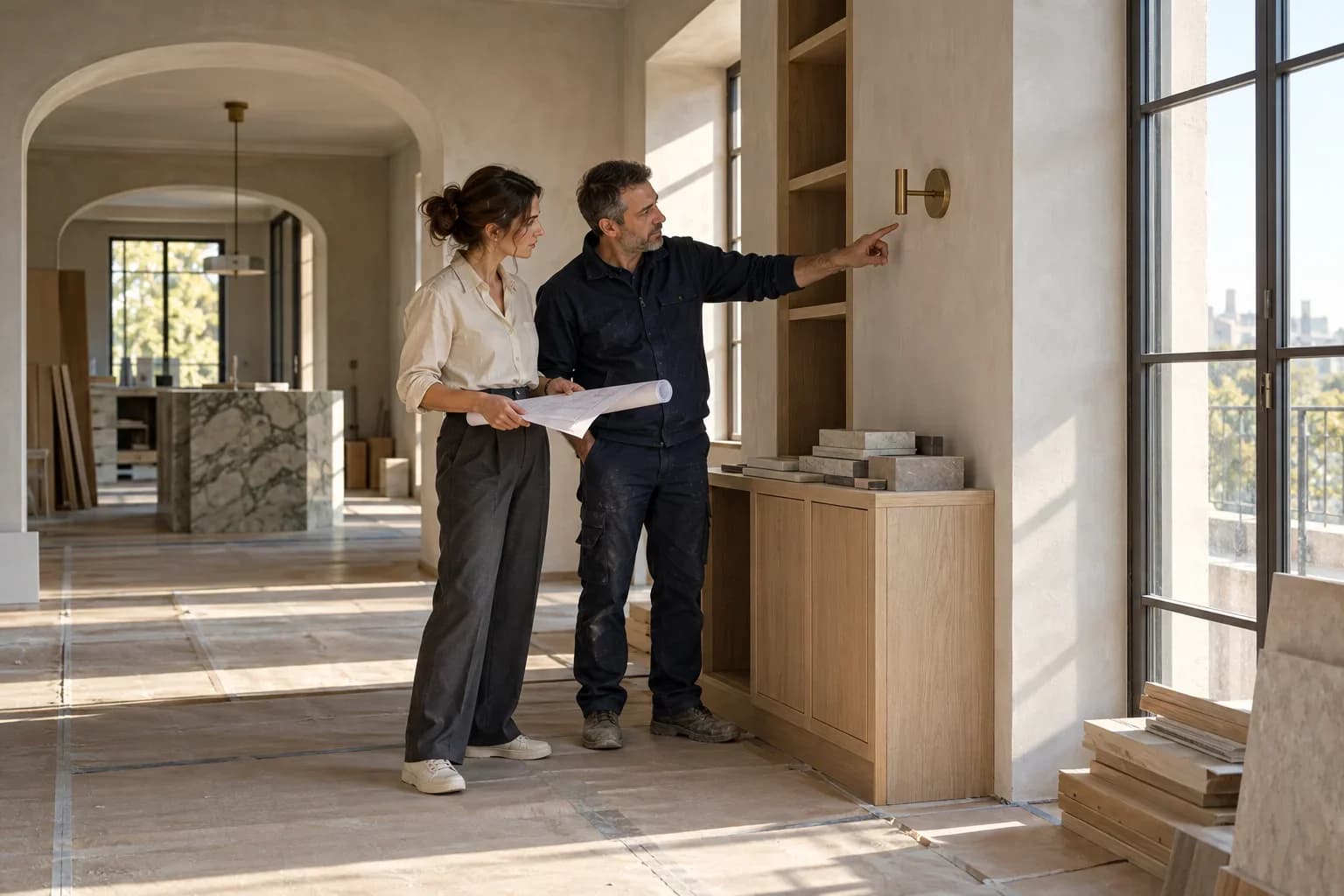
After a site visit, the designer sends twelve photos to the chat and writes: "Move the outlet, approve the paint swatches, I'll check on the wardrobe."
A week later the outlet is where it was. The foreman was waiting for a dimension, the designer was waiting for a question from the foreman. The client assumed it had all been fixed.
The photos were saved. The next action was never defined.
In interior design work, site supervision notes help you compare what is happening on site with the design decisions, and record questions, comments and changes. The exact scope of supervision depends on the agreements for the project. Here we walk through a working order for notes and for how the people involved work together, without replacing technical checks that need specialist competence.
A useful note lets a person who wasn't at the visit understand what was found, which decision it relates to, who has to act and how to check the result.
What to record after a visit
Not every observation is a contractor's mistake. Different situations come up on site:
- the work as built differs from the current drawing;
- clarifying dimensions or specifications are needed;
- the client proposes changing an option chosen earlier;
- a supplier delivered a different version;
- a material has to be seen in person;
- the work is done and needs checking;
- the stage is going to plan and photo records are enough.
It helps to tell these cases apart before assigning tasks. Otherwise the question "Which shade are we choosing?" turns into the comment "Painted wrong," even though nobody has confirmed the final color yet.
If the reason for a discrepancy is unknown, say so. First establish the facts, then decide on the fix.
What a clear note looks like
Instead of "Outlet is in the wrong place," record the specific situation.
| Part of the note | Example |
|---|---|
| Location | Bedroom, the wall by the headboard, right side |
| Observation | The outlet position differs from the current elevation |
| Basis | Bedroom elevation, sheet 12, version 03 |
| What needs to be found out | Check the actual dimension relative to the nightstand |
| Next action | The foreman sends a measurement and a photo with a tape measure |
| Owner | A specific project participant |
| Deadline | Before the next dependent work starts |
| Checking the result | Compare the measurement, then confirm the needed action |
This is a hypothetical example. It shows the main thing: the note doesn't propose moving the outlet before the dimensions are checked, and it says who has to answer now.
You don't need to fill in a long form for every photo. For ordinary records, a caption is enough. Details are needed where there is a question, an action or a risk of continuing the work wrongly.
Which photos actually help
A close-up shows a detail but often doesn't explain where it is. A wide shot gives context, but the discrepancy is hard to see in it.
For a comment, these usually help:
- An overall view of the room, the wall or the item.
- The detail in question.
- A dimension or a label, if it is needed for the decision.
For example, with a question about a built-in wardrobe, show the whole area, the specific joint and a measurement. If it is about a delivered item, add the label with the model or article number.
An arrow or an outline helps find the right area but doesn't replace a description. A caption like "here" becomes meaningless if the photo is forwarded without the discussion.
Judge colors in photos with care: lighting and the camera change how they look. When the shade matters, you may need to check a sample on site.
Separate an observation from a decision
A note saying "remove the sconce" looks like an instruction. But what is behind it?
Maybe the client only suggested dropping the fixture. Or the designer is considering a replacement. Or the decision is already confirmed but not yet reflected in the materials.
Keep those states apart:
The client suggested removing the sconce by the armchair. No decision yet. The designer is checking an alternative light and the effect on the wiring.
After the discussion you can add the outcome:
Confirmed replacing the sconce with a floor lamp. The relevant sheet needs updating, and the contractor needs to be told which work changes.
That way a suggestion doesn't become an order by accident.
When the project changes, it helps to keep a short chain: what it was → what changes → why → who confirmed → which materials are updated.
One situation can need several actions
Say that during installation it turns out the chosen mirror doesn't fit between the finished elements.
A single task like "sort out the mirror" is awkward. Within the situation, different actions may be needed:
- the contractor provides the actual dimensions;
- the designer checks the solution;
- the procurement specialist finds out whether another size is available;
- the client picks the proposed option;
- the designer updates the affected material.
Each action has its own owner. The discussion should stay linked to the original situation, so people don't have to hunt for the reason behind a task.
When all the actions are done, the outcome still needs checking. Receiving a new mirror and confirming the problem is solved are different steps.
Example: a wardrobe handle catches the neighboring front
Take a hypothetical situation on site. When a door opens, the handle touches the neighboring front.
First, record the fact
Take a general shot of the wardrobe and a photo of the detail. If needed, add a short video of the door opening.
In the description, say on which door the contact happens. Don't assign a handle replacement right away: the cause may be its model, its position, an adjustment or some other parameter.
Then, get the information
Ask the contractor to check the actual installation and compare it with the approved materials.
You need to see whether the work as built differs from the project, or whether the problem comes from the chosen combination of parts.
After that, choose the action
Say two options are offered: adjust the installation or replace the handle. If the look changes, show the client how the result will look.
Record the chosen decision and the person responsible.
At the end, check the fix
A new photo of the handle doesn't yet confirm that the door opens freely. A video or a look on the next visit may be needed.
Close the question after checking the result, not after the message "done."
How to tie comments to current drawings
The phrase "do it per the project" doesn't help if people have different versions.
In the note, name a specific file or sheet. When you update a material, explain what changed and who it matters to.
For example:
The walk-in closet elevation is updated: the height of the section for long clothes is changed. Use version 04 of the stated date for manufacturing.
An old version can stay in the history, but it has to be told apart from the current one. Tell the contractor who works from that material about the update separately.
Don't count on a person finding the new file in a folder on their own.
What to send the client after a visit
A client doesn't always need the whole internal review. A short summary with clear consequences works better:
- what you looked at;
- what matches the current decisions;
- which questions are open;
- where their choice is needed;
- what happens next.
An example message:
Today we checked the furniture installation in the bedroom. There is a question about how one wardrobe door opens. The contractor is checking the cause, and we'll discuss the result after he replies. For the paint swatches we need your choice between two samples: I sent photos and explanations separately. On the next visit we'll return to checking the fixes.
Don't write "everything is under control" instead of a concrete result. If a solution hasn't been found, say what information you are waiting for and who is handling it.
How to keep supervision notes in Roomix
In a Roomix main project, you can keep notes in the Author supervision section: save observations, photos and comments about the site.
A note is created in the main project by default. If the situation belongs to a specific realization, you can add that link, so a furniture question, for instance, appears in the right realization. You don't need to describe it again in a separate independent note.
For a situation that needs action, name the owner, a deadline if needed and the related tasks. The discussion, files and result stay next to the original comment.
If a client decision is needed, the approval happens in the main project. A contractor gets access to the part of the work they need.
Completing the related tasks shouldn't stand in for checking: the person doing the supervision is the one who finally closes the question. For turning these notes into a client report, see what to include in a client report.
Open Roomix and keep project comments.
A short routine after a visit
- Sort the photos while the context is clear.
- Separate ordinary records from questions and comments.
- For each open question, define the next action.
- Say who has to act and when the result is needed.
- Send the client the decisions that need them.
- At the next check, return to the unclosed questions.
The test is simple: open the note after a week. If, without remembering the visit, it is clear where the question came up and what to do about it, the note is doing its job.